

Unzip Expert-Zip file tool
Read our comprehensive review of Unzip Expert-Zip file tool for Mac. Discover its compression speeds, file preview capabilities, and security features.
Managing compressed archives on macOS requires utility software that is both lightweight and secure. Unzip Expert-Zip file tool, developed by Wuhan Net Power Technology Co., Ltd, is a dedicated utility designed to streamline how desktop users interact with compressed archives. Categorized under essential tools, this application focuses on simplifying the extraction and archiving workflow for professionals, students, and casual users alike who handle large volumes of data daily.
Streamlining Archive Workflows on macOS
The primary appeal of Unzip Expert-Zip file tool lies in its straightforward approach to file management. Rather than overwhelming users with complex command-line configurations, it provides a clean graphical interface to handle standard archive formats. Whether you are dealing with incoming project assets or preparing outbound folders for email transmission, the software ensures the process requires minimal steps.
Core Features of Unzip Expert-Zip file tool
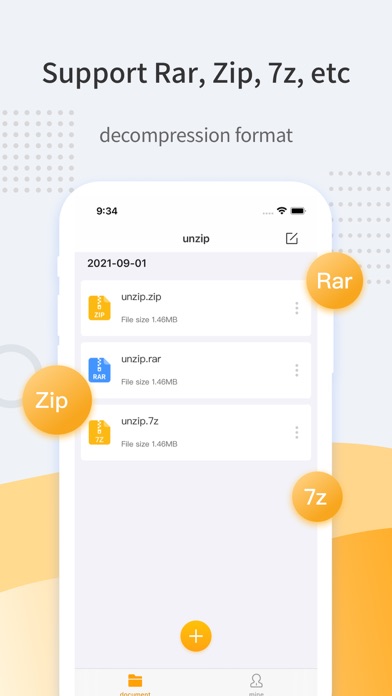
- Multi-Format Decompression: Effortlessly extract files from common archive formats including ZIP, 7Z, and RAR with a single click.
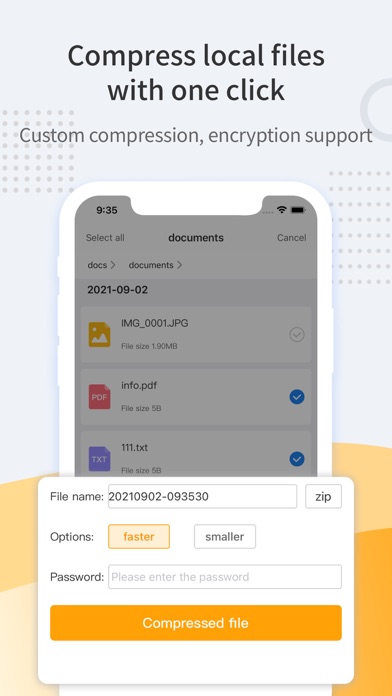
- Secure One-Key Compression: Package multiple files or folders into structured ZIP archives. The tool also supports encrypted compression to protect sensitive corporate or personal data.
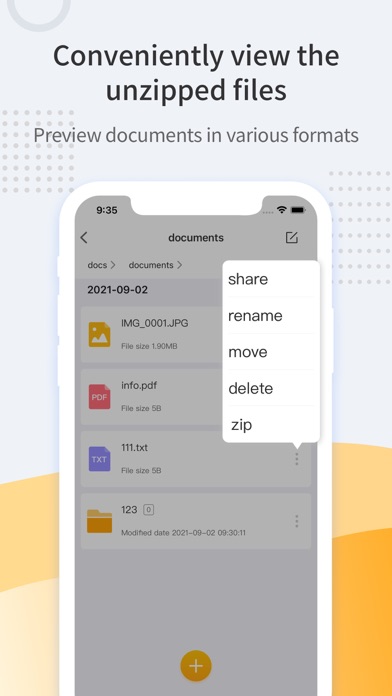
- Integrated Document Preview: Preview files directly within the application. It supports format rendering for DOC, EXCEL, TXT, RTF, and major image formats like JPG, GIF, and PNG without needing to launch external software.
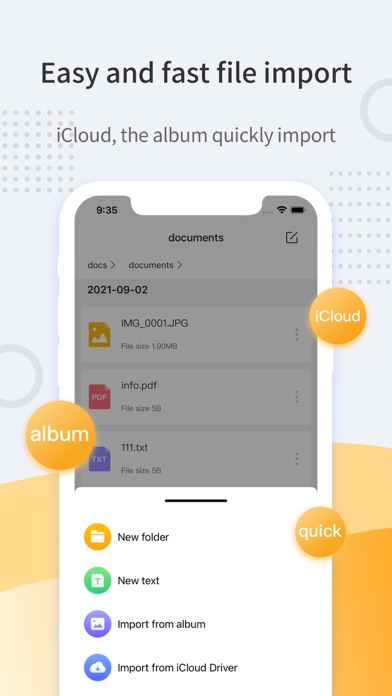
- Flexible File Importing: Quickly import documents directly from local system directories or your integrated iCloud Drive.
Who Benefits Most From This Utility?
This utility is particularly beneficial for remote workers and creative professionals who regularly exchange zipped assets. The integrated preview engine is a major time-saver, allowing you to quickly verify the contents of an archive before fully extracting it to your local storage. Additionally, privacy-conscious users will appreciate the developer's commitment to data integrity, as the application processes all files locally without uploading information to external servers.
Conclusion
For Mac users seeking an uncomplicated, secure, and efficient way to manage daily archives, Unzip Expert-Zip file tool provides a reliable solution. It successfully balances speed with practical utility features like in-app previews and archive encryption. To explore its features firsthand and add this utility to your workflow, visit the official Apple App Store to get started.