

Webmail App
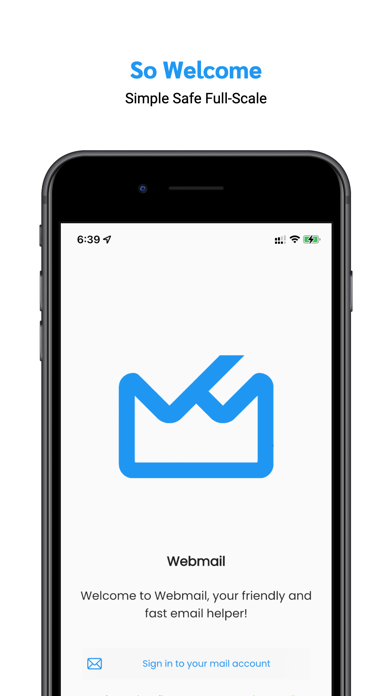
Read our comprehensive review of Webmail App, a multi-account email client for Mac designed to streamline your corporate and personal inbox management.
A Desktop-Class Email Experience on the Move
Managing several active inboxes can quickly turn your daily workflow into a chaotic chore. The Webmail App email client offers a streamlined, unified solution for Mac users who need to consolidate multiple mail accounts without sacrificing security or performance. By bringing the robust, power-packed features of a traditional desktop client into a highly intuitive interface, this application aims to simplify how professionals handle their daily correspondence.
Whether you are managing strict corporate communications or keeping up with personal accounts, this application bridges the gap between simplicity and advanced utility. It provides a cohesive environment where you can oversee everything from high-priority corporate communications to routine newsletters from a single dashboard.
Consolidated Account Management and Flexibility
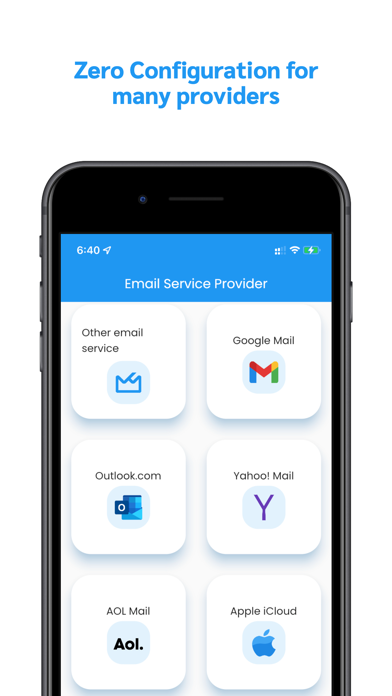
The standout strength of the Webmail App email client lies in its broad compatibility and unified approach. Rather than jumping between different browser tabs or separate native applications, users can integrate various configurations seamlessly.
- Multi-Protocol Support: Easily configure and manage accounts using IMAP, Exchange, POP, and other standard protocols.
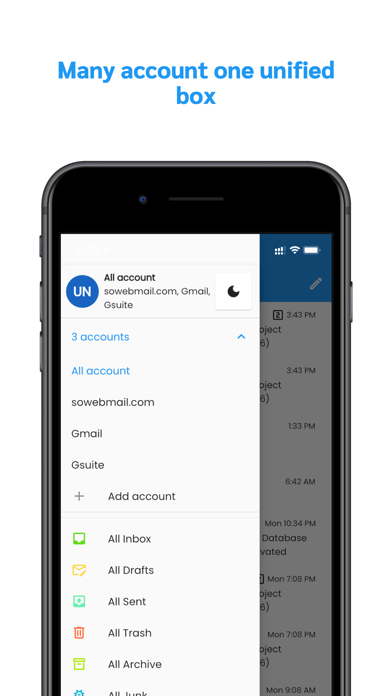
- Unified Mailbox: View incoming messages from all your accounts—including Gmail, Outlook, Yahoo, and corporate servers—in one coordinated view.
- Account Migration: Move critical emails between different accounts effortlessly with built-in organization tools.
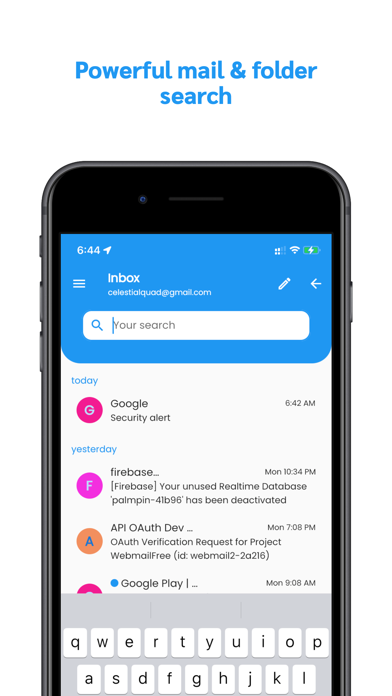
- Advanced Search & Filters: Locate specific messages or folders instantly using a simplified search architecture.
Enhanced Security and Privacy Controls
In today's digital landscape, keeping proprietary data and personal information secure is paramount. The Webmail App email client addresses these concerns by implementing strict privacy protection protocols. Unlike many standard clients that transmit identifying device information alongside your outgoing mail, this software is engineered to keep your device ID hidden from recipients. This added layer of anonymity ensures that your hardware details remain private during external corporate communications.
Tailored to Your Daily Workflow
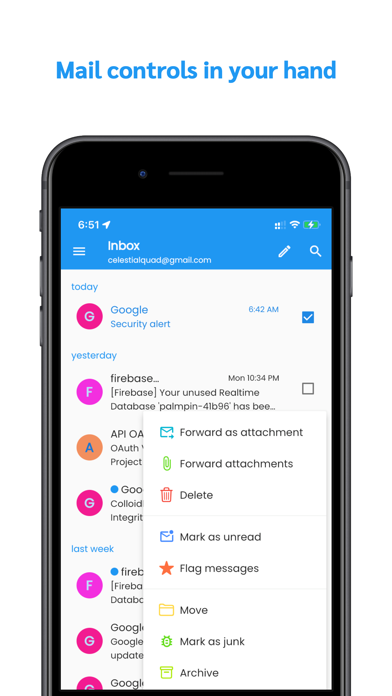
Efficiency is highly dependent on personalization. The application features configurable swipe gestures, allowing you to map actions like deleting, archiving, flagging, or marking emails to simple slides. Coupled with an easy-to-use message editor, quick text shortcuts, and structured folder management, it minimizes the administrative overhead of maintaining a clean inbox.
Is the Webmail App Email Client Right for You?
If you are looking for a reliable, multi-language hub to handle complex corporate email requirements on your Mac, this application provides an excellent balance of security and usability. It eliminates the clutter of multi-account management while keeping your hardware data safe from third parties.
To explore its features further or to add this tool to your workflow, head over to the official App Store page to get started.