

AI Photo Editor
Discover how the AI Photo Editor app for Windows simplifies professional image editing with advanced background and object removal features in our full review.
A New Standard in Desktop Image Enhancement
Finding a tool that balances advanced capabilities with user-friendly operation is a common challenge for creators. The AI Photo Editor image enhancement app addresses this by bringing automated, machine-learning-driven adjustments directly to your Windows desktop. Developed by aidoudxr, this application is tailored specifically for users who need high-quality visual assets without the steep learning curve associated with traditional design suites.
Key Features of the AI Photo Editor
This design application focuses on automating the most tedious parts of graphic design, allowing users to achieve professional-grade results in seconds. Here are its standout capabilities:
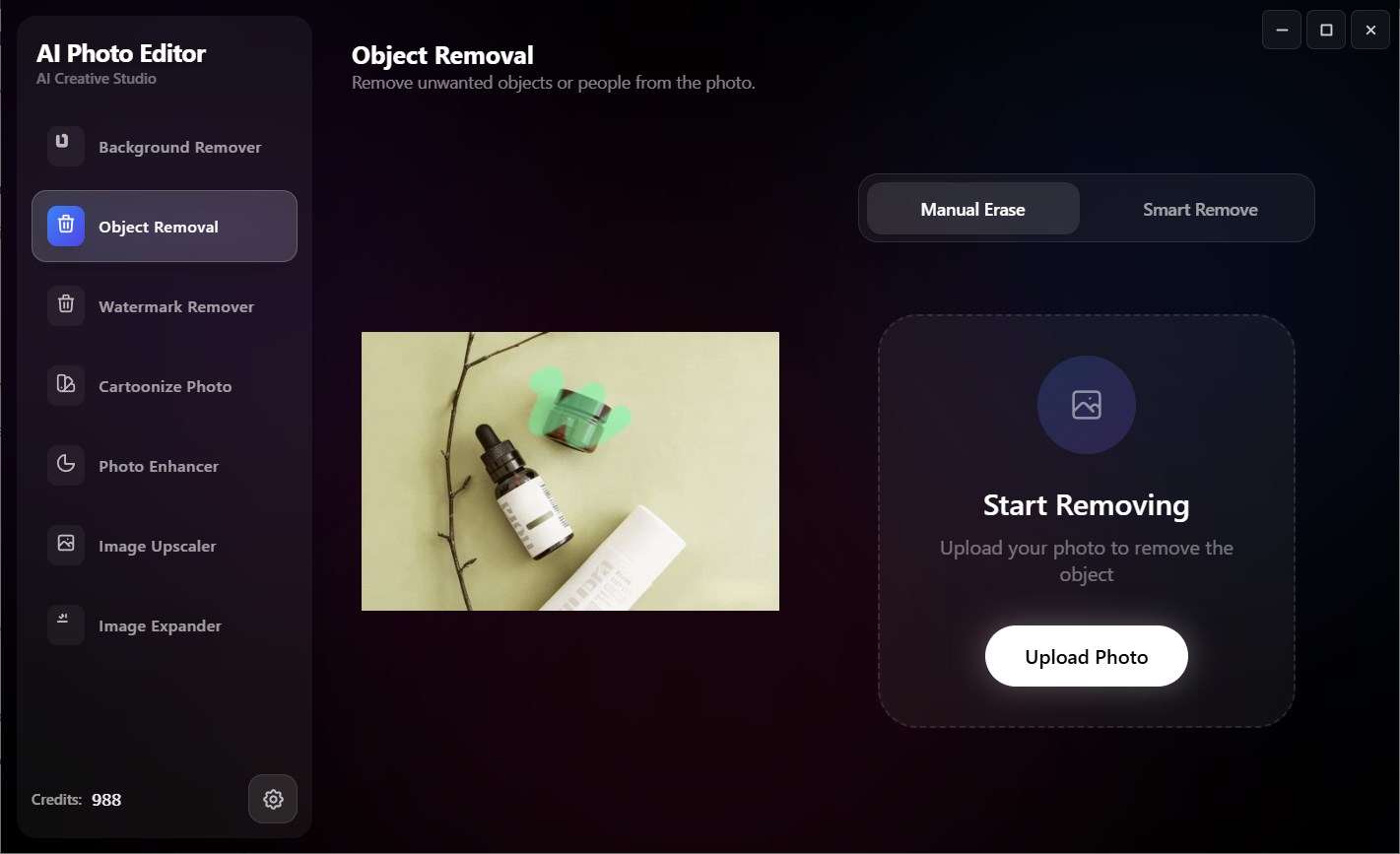
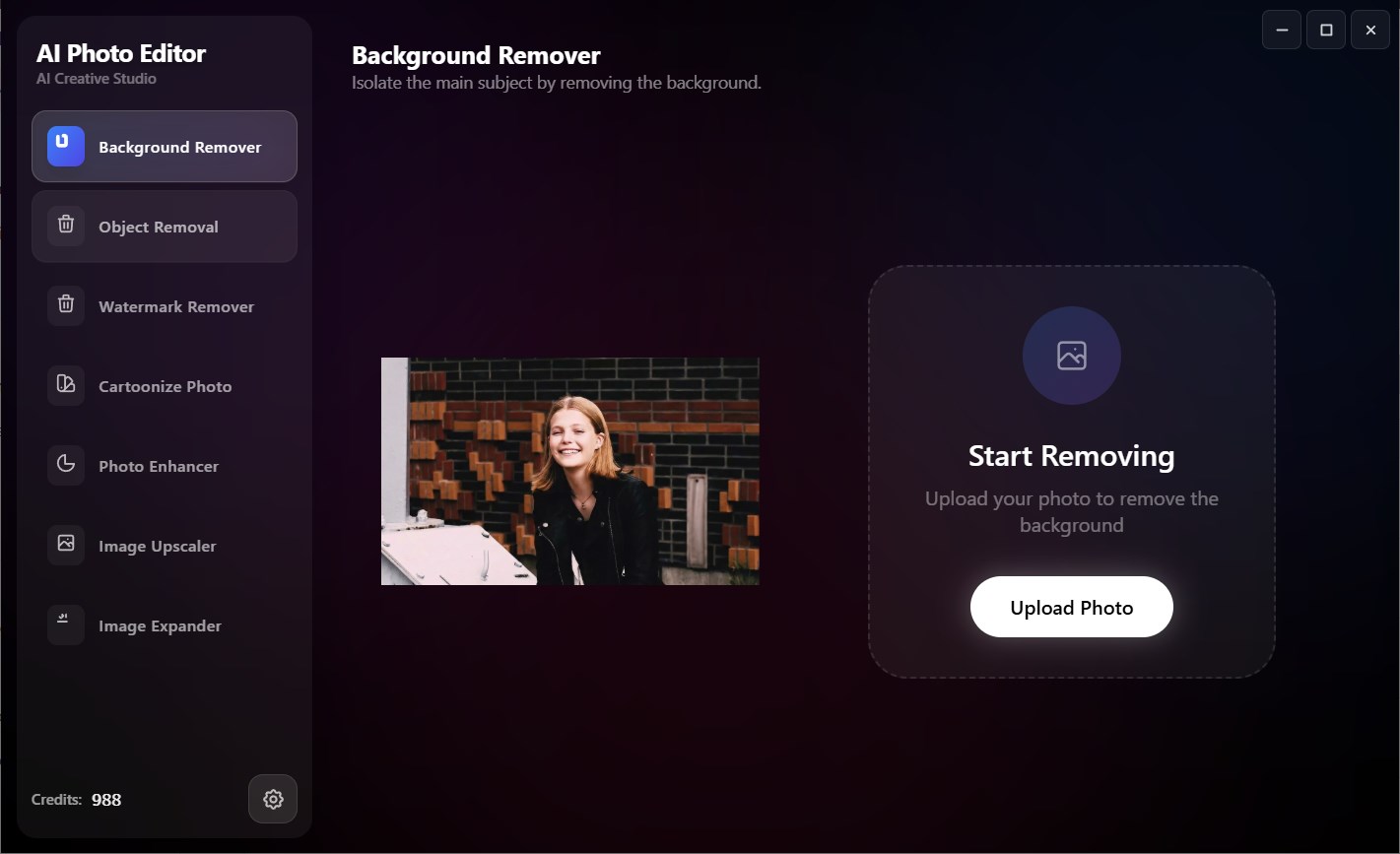
- Intelligent Background and Object Removal: Instantly isolate subjects or erase unwanted background clutter with pixel-level precision.
- Advanced Upscaling and Expansion: Increase image resolution using the built-in image upscaler, or naturally extend your canvas borders using generative AI fill.
- Clarity and Lighting Enhancements: Automatically balance exposure, boost colors, and restore details to low-quality photographs.
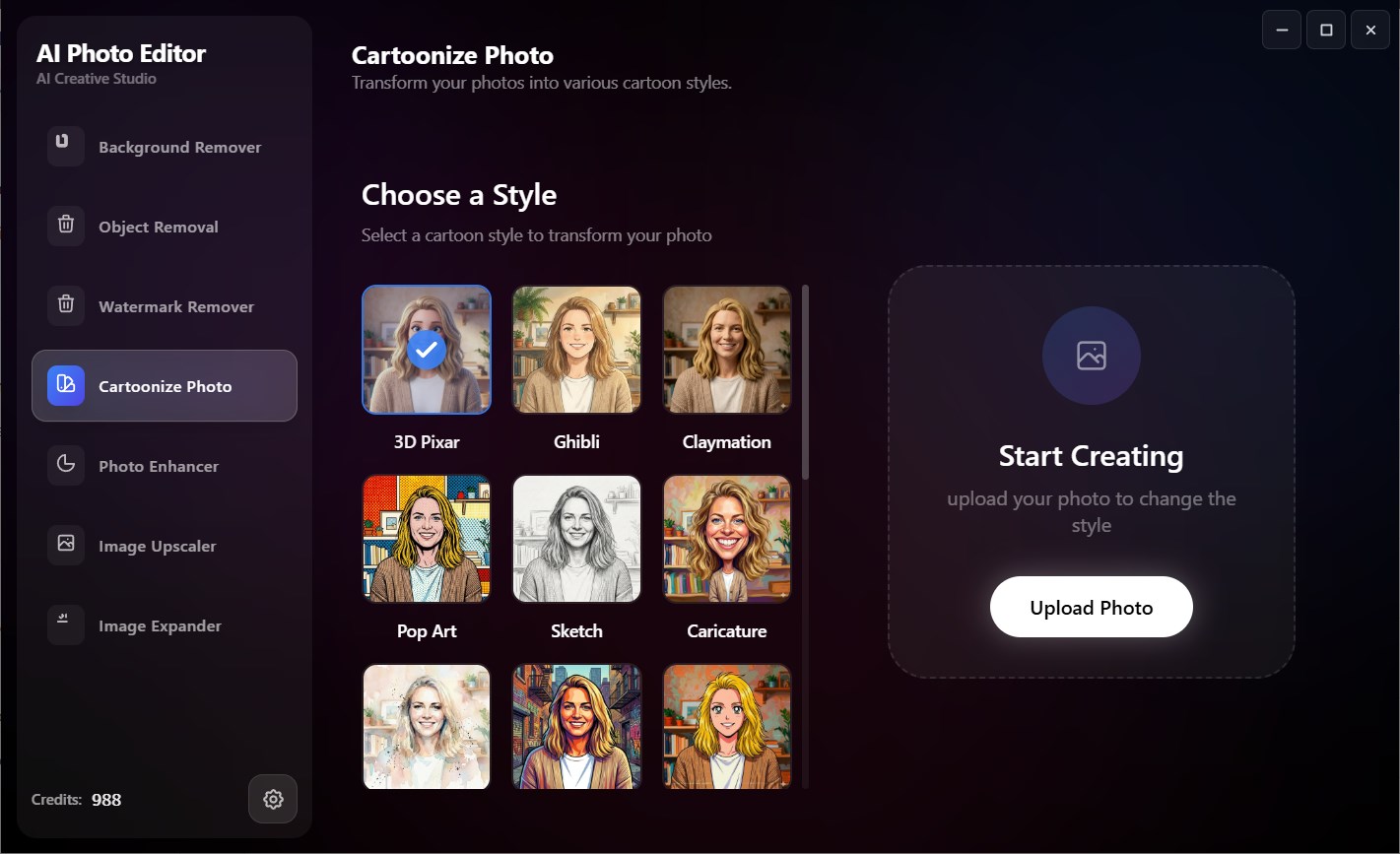
- Creative Stylization: Quickly transform standard portraits into expressive cartoon artwork with a single click.
Who is This Windows Design App For?
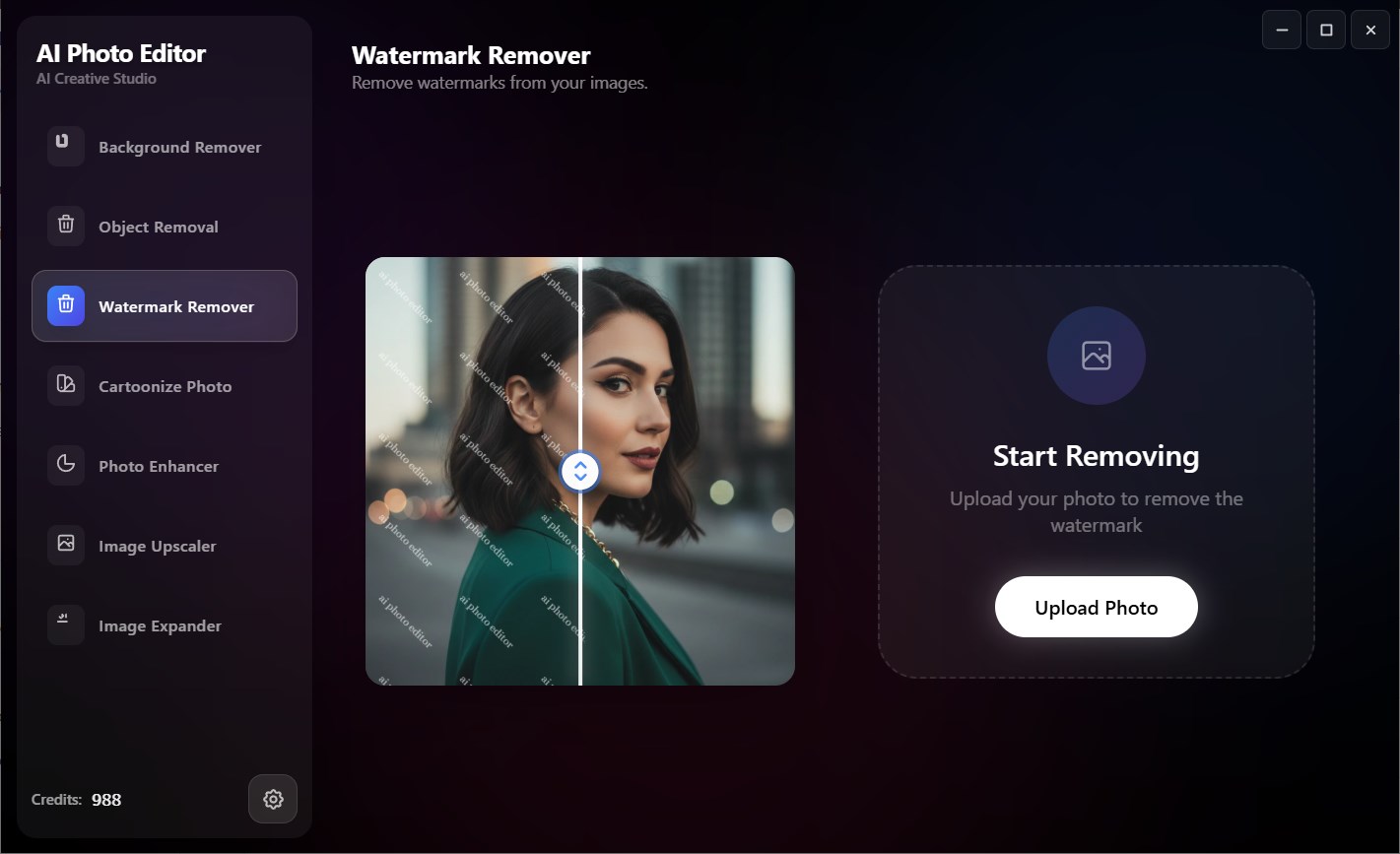
Whether you are managing an e-commerce storefront, generating marketing assets, or styling content for social media, the AI Photo Editor image enhancement app streamlines repetitive tasks. Its focus on efficiency makes it a valuable asset for digital marketers, content creators, and casual users alike who need clean, watermark-free imagery on a daily basis.
Pricing and Subscription Model
The application is available as a free initial download on the Microsoft Store, allowing users to test its capabilities with one free image edit. To unlock unlimited processing and premium tools, the developer offers VIP membership options available through flexible monthly or annual subscription plans billed directly via your Microsoft account.
Explore the Software
If you are looking to accelerate your creative workflow on Windows, the AI Photo Editor image enhancement app offers an impressive suite of automated tools worth exploring. To learn more or try the application yourself, visit the official Microsoft Store page today.