PhotoPad Photo Editor Express Edition
Read our comprehensive review of PhotoPad Photo Editor Express Edition. Discover how this Windows design software simplifies quick image editing.
The Challenge of Quick and Effective Image Editing
Whether you are preparing a graphic for a presentation or trying to touch up a family photo, dealing with overly complex design software can be incredibly frustrating. Many tools require hours of training just to perform basic adjustments. This is where PhotoPad Photo Editor Express Edition by NCH Software steps in, offering Windows users a streamlined, intuitive approach to digital design and image enhancement.
Streamlined Features of PhotoPad Photo Editor Express Edition
Designed specifically to remove the friction from creative workflows, this application provides a robust suite of tools that cater to both quick fixes and detailed creative projects. Here is what makes the software stand out:
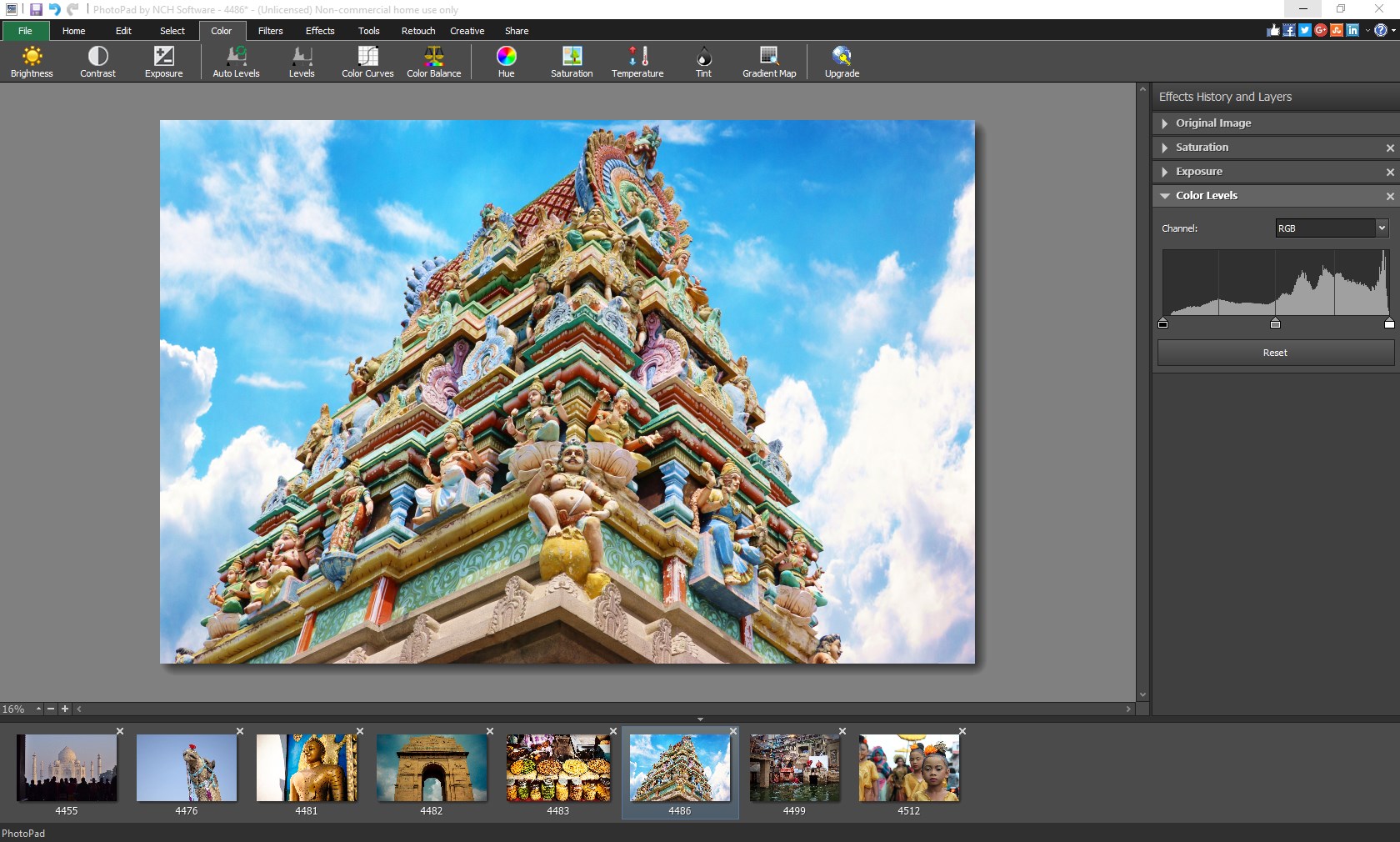
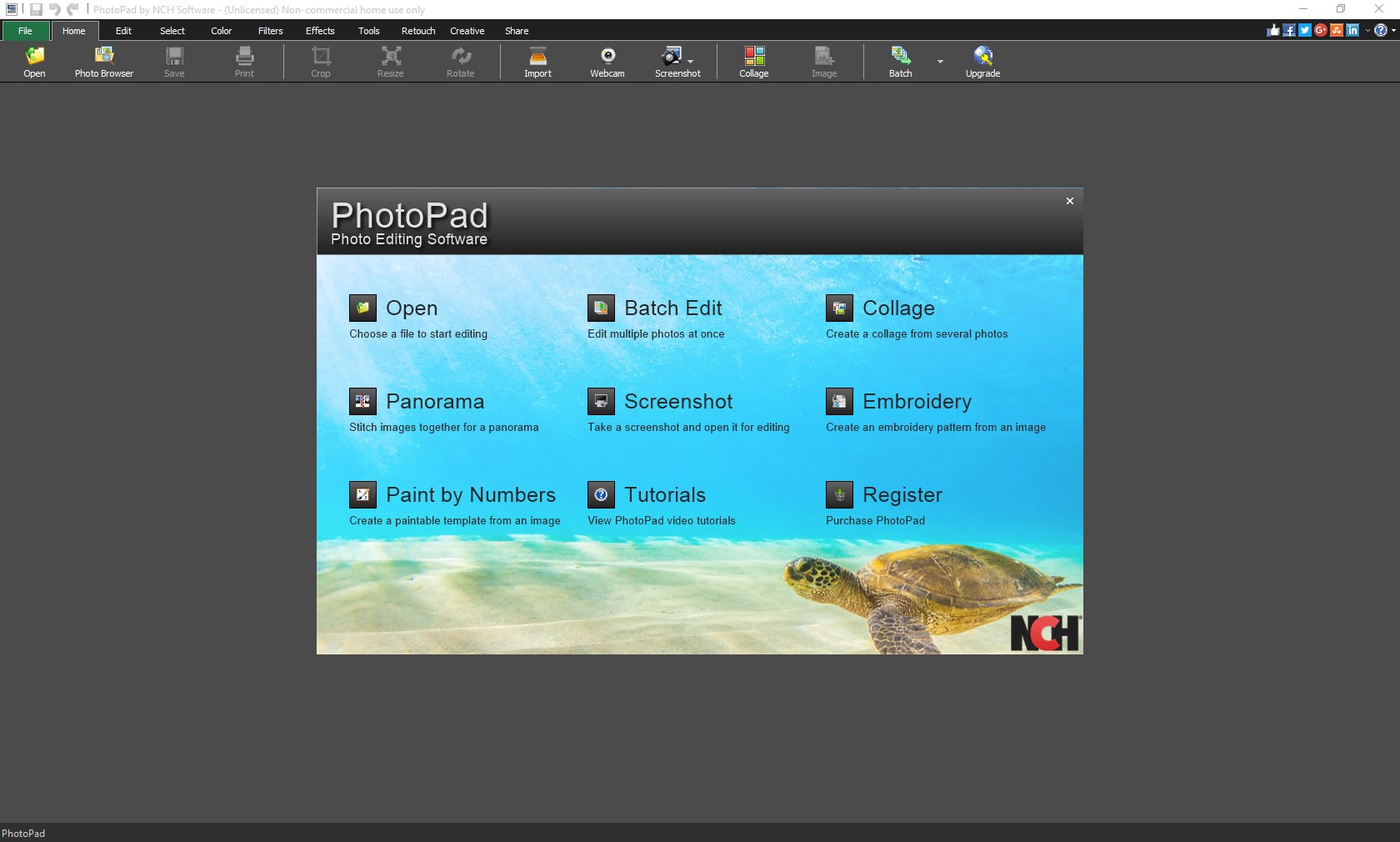
- Flexible File Importing: You can quickly drag and drop your images directly into the workspace, select specific photos from your local storage, or import entire folders at once.
- Broad Format Compatibility: The application supports all major image formats, including JPG, PNG, GIF, and many others, ensuring you do not waste time on file conversions.
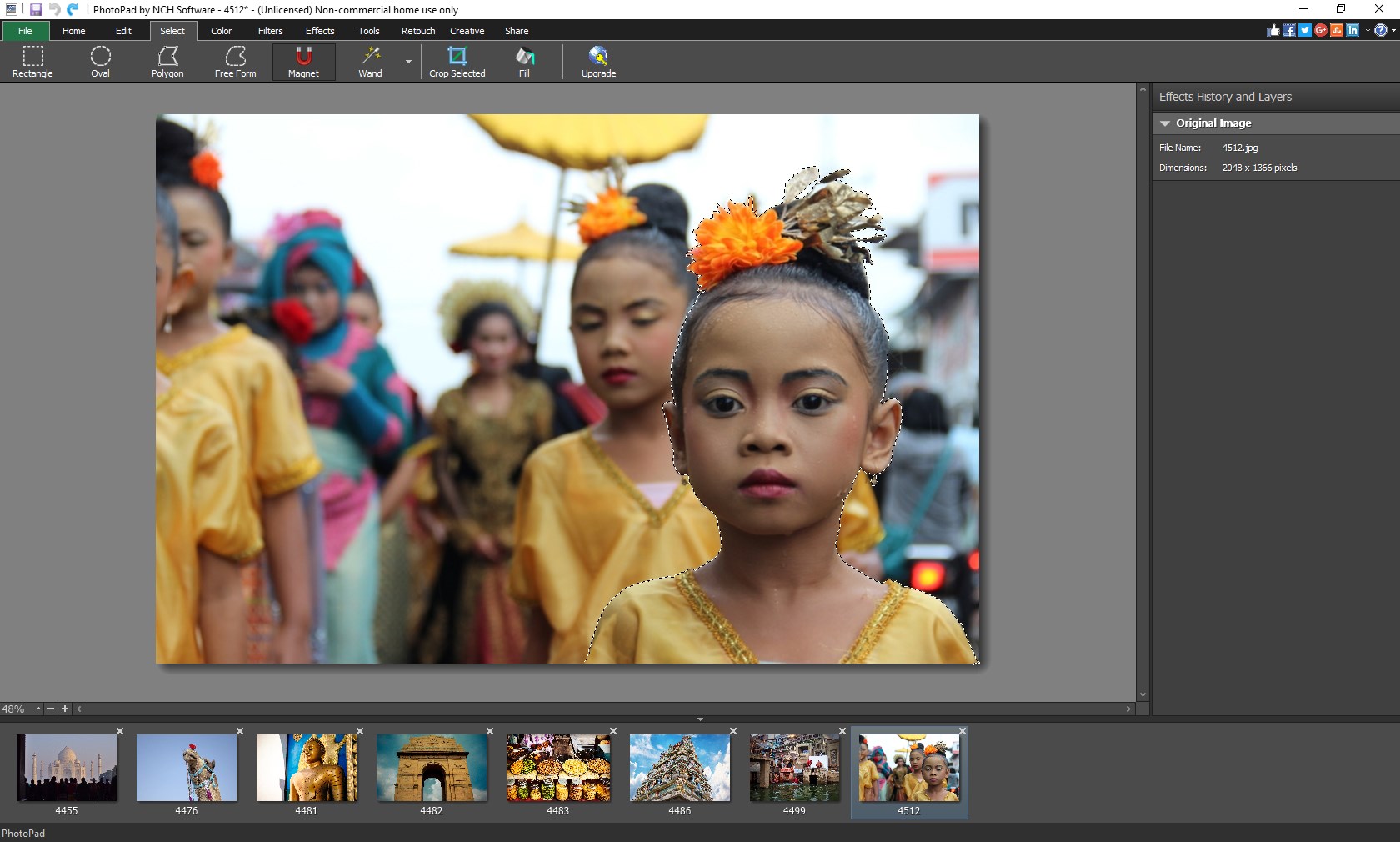
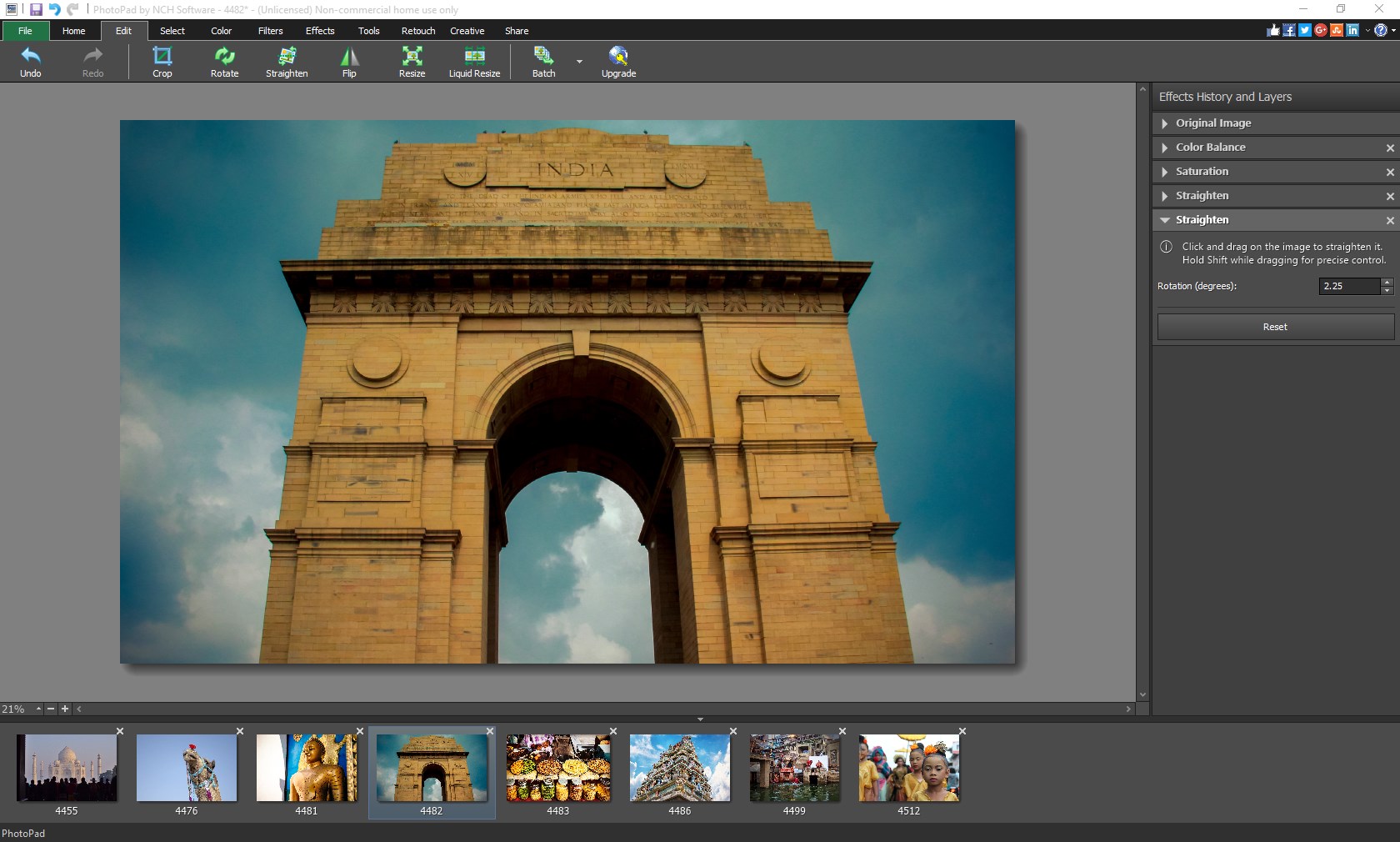
- Essential Editing Tools: Easily crop, resize, rotate, and flip your graphics to achieve the perfect framing.
- Color and Exposure Adjustments: Fine-tune your visuals by adjusting the contrast, exposure, color balance, and saturation with precise controls.
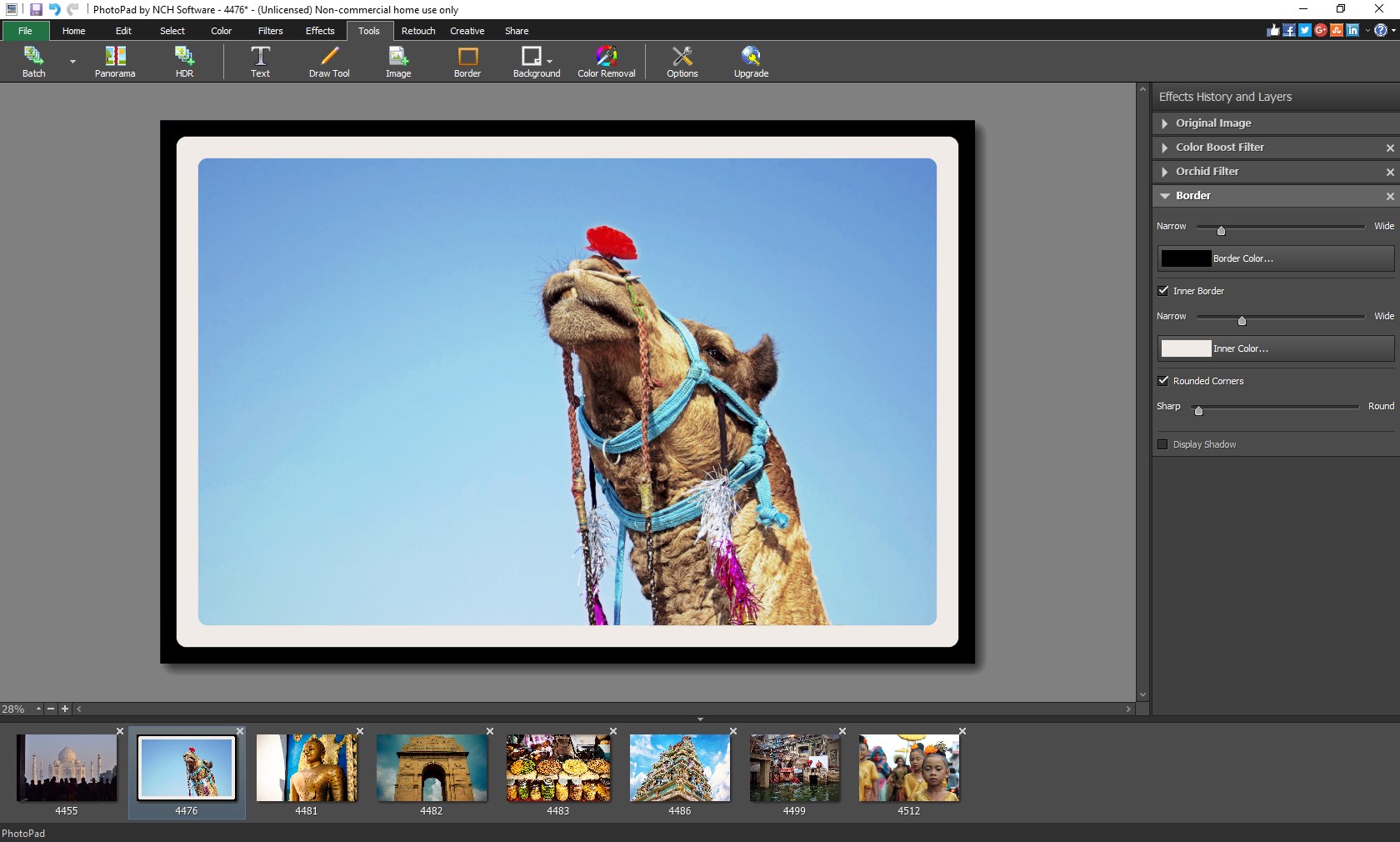
- Creative Collages and Filters: Combine your favorite memories into customized collages or apply professional preset filters for instant enhancements.
- Nondestructive Layer Editing: Toggle layer visibility on and off to safely review your modifications without permanently altering the original image.
Who Is This Design Tool For?
PhotoPad Photo Editor Express Edition is an excellent fit for Windows users who need a reliable, fast, and lightweight editor for daily tasks. It avoids the steep learning curve of high-end suites while retaining the essential features required for polished, professional-looking results. Note that while the application is free to download, it includes select trial features available for a limited time, which require a purchase to continue using once the trial period ends.
Our Editorial Verdict
If you are looking for a straightforward, responsive design application that handles common editing tasks without lagging your system, this tool is highly recommended. To explore its features and integrate it into your creative workflow, visit the official Microsoft Store to download the application directly from the developer.