Photo Lab Photo Editor

Discover our comprehensive review of Photo Lab Photo Editor for Windows. Learn how this versatile design tool can instantly elevate your digital photography.
When you need to turn a standard snapshot into a polished, share-worthy image without wrestling with overly complex professional suites, the right lightweight tool makes all the difference. Photo Lab Photo Editor is a dedicated design and enhancement application built specifically for Windows users who want to achieve striking, creative results in just a few clicks.
Streamlined Creative Control on Windows
Developed by Queenloft, the Photo Lab Photo Editor application bridges the gap between basic image viewing and high-end graphic design. It provides a clean, responsive workspace optimized for modern Windows hardware, ensuring your editing workflow remains fast and fluid. Whether you are prepping a photo for social media, adding context with text overlays, or applying subtle adjustments to composition, this tool handles the heavy lifting without taxing your system resources.
Key Features of Photo Lab Photo Editor
This software packs a robust selection of creative utilities designed to give you precise control over your visual projects:
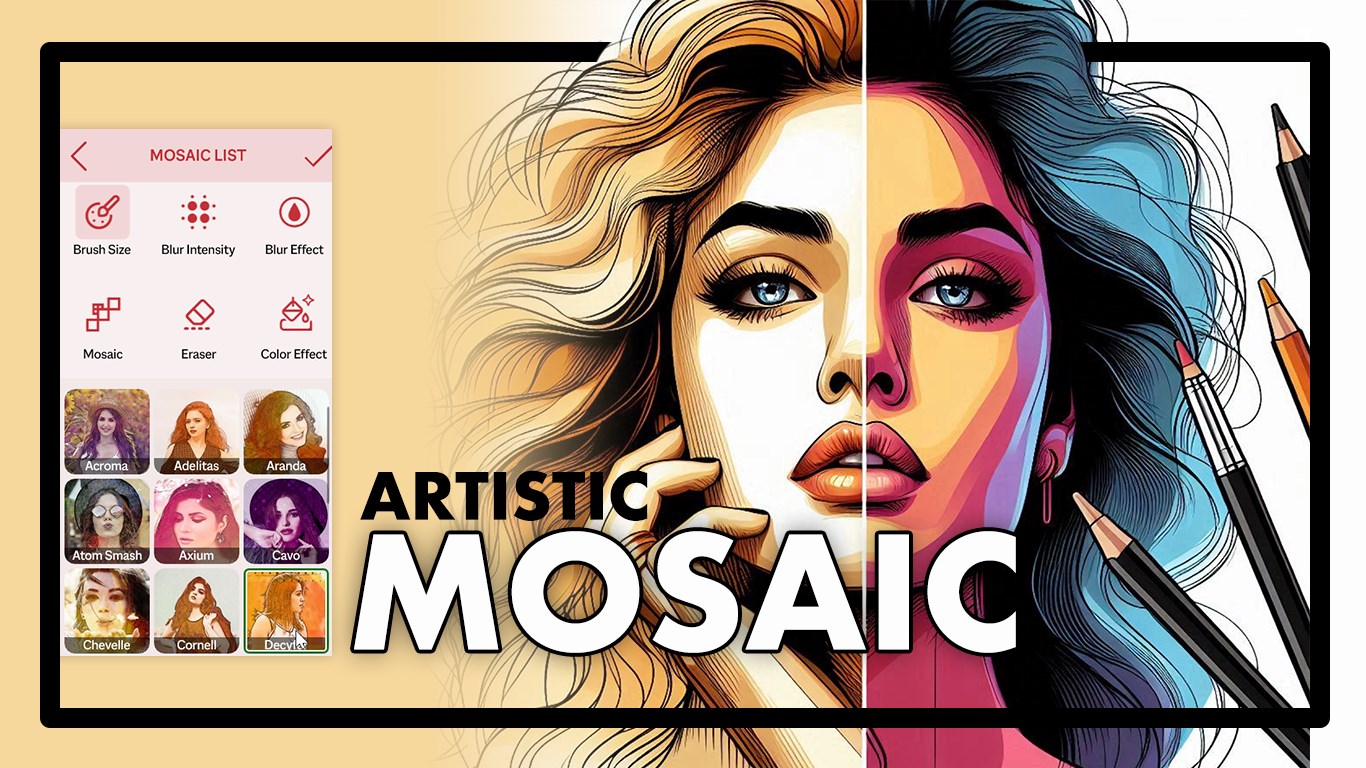
- Advanced Mosaic & Blur Tools: Easily pixelate or blur specific areas of your image to protect privacy, hide background distractions, or create depth-of-field effects.
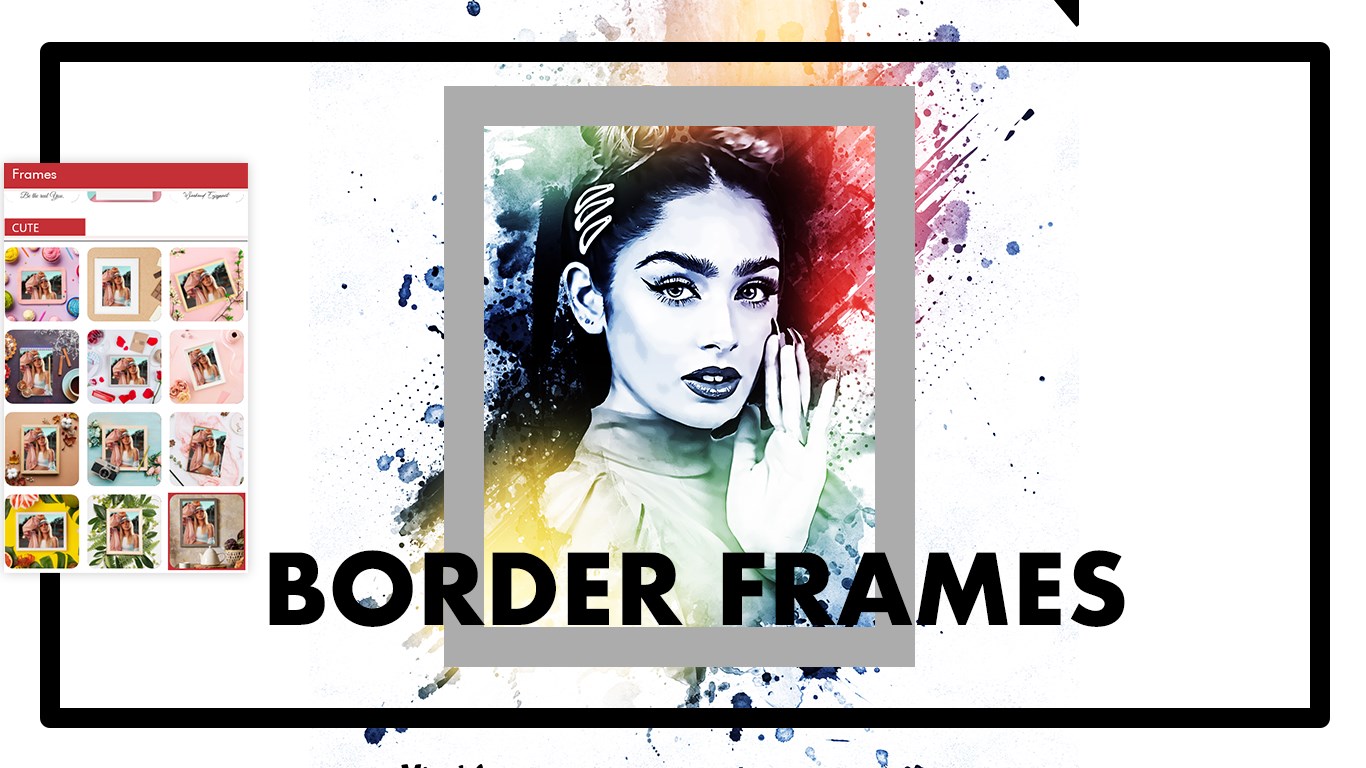
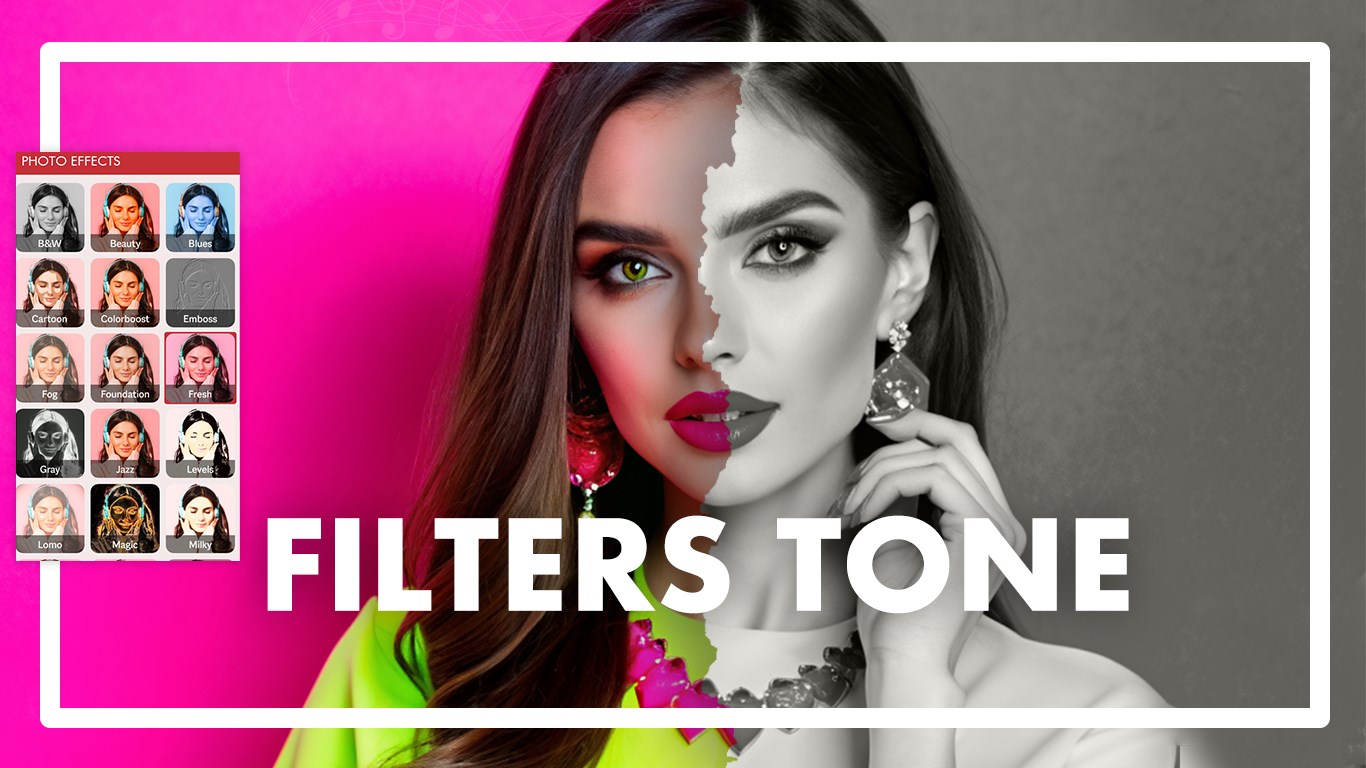
- Artistic Filters & Frames: Instantly change the mood of your photography with curated styles and borders that range from vintage to contemporary.
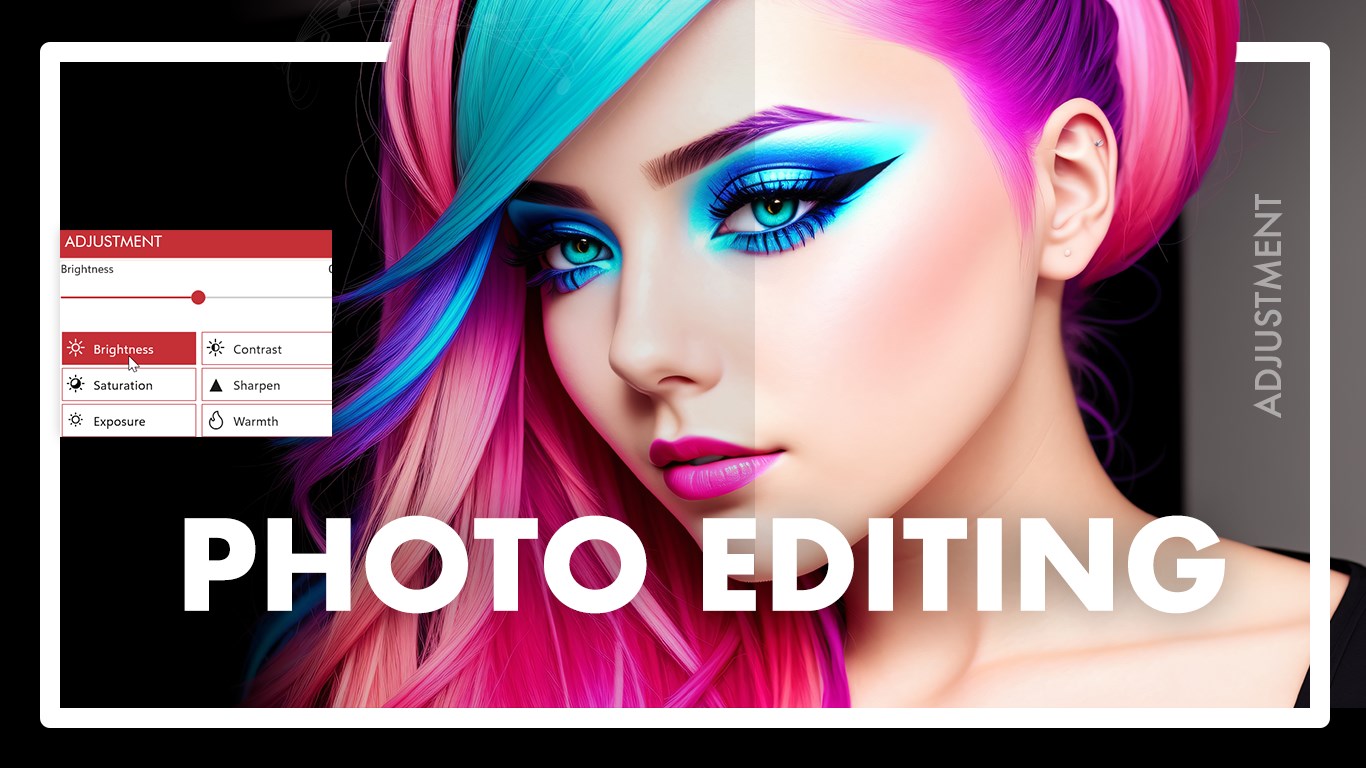
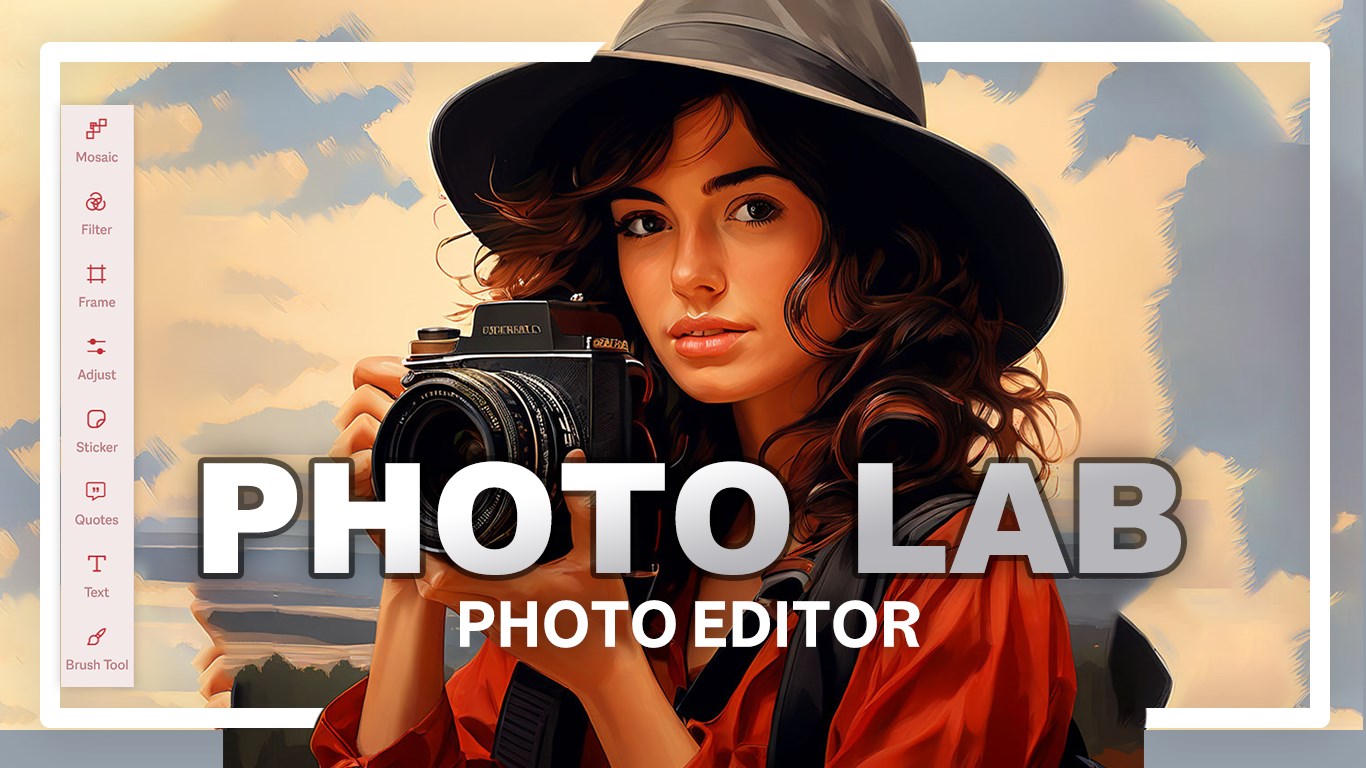
- Fine-Tuned Adjustments: Take charge of lighting and color balance with intuitive sliders for brightness, saturation, and contrast.
- Personalized Overlays: Add custom text in various fonts, insert fun stickers, or apply meaningful quotes directly onto your images.
- Creative Brush Tool: Use the freehand brush to draw, doodle, or add hand-written notes directly onto your canvas.
Who is This Windows Editor For?
If you find professional editing suites intimidating or overly expensive, this software is tailored for you. It is perfect for casual photographers, social media managers, and content creators who need to quickly crop, adjust, and embellish images before publishing. Because it is highly optimized for Windows, it runs smoothly even on entry-level laptops and tablets.
How to Elevate Your Images in Minutes
Getting started with the application is incredibly straightforward:
- Open the interface and import any image directly from your local system gallery.
- Use the crop, rotate, and flip tools to establish the perfect composition.
- Apply your choice of artistic filters, mosaic effects, or decorative frames.
- Add custom text, stickers, or freehand brush strokes to personalize your design.
- Save your finalized masterpiece in your preferred file format, ready to present.
Our Editorial Verdict
For Windows users seeking a balanced, lightweight, and highly responsive creative suite, this app delivers excellent utility without the steep learning curve. To explore its features firsthand, head over to the official Microsoft Store to view the listing and get started on your next creative project.